In all previous versions of Microsoft Exchange in the GUI ( Exchange EAC,ECP ) you could create a contact outside the organization in active directory, mail enable the contact and then forward email to it, in the first release of Exchange 2013 this is missing from the EAC.

We can still do it in powershell however. Below you will see commands on how to forward email in exchange to external contacts 2013 in powershell.
The command above will forward all emails from the mailbox “Allen” to Allen@hotmail.com and also leave a copy of the email in the Allen mailbox in Exchange 2013
The command above will STOP the forward of all emails from the mailbox “Allen” to Allen@hotmail.com due to the $false command.
Remember, after the -deliver use the “TAB” button to see all forwarding options.
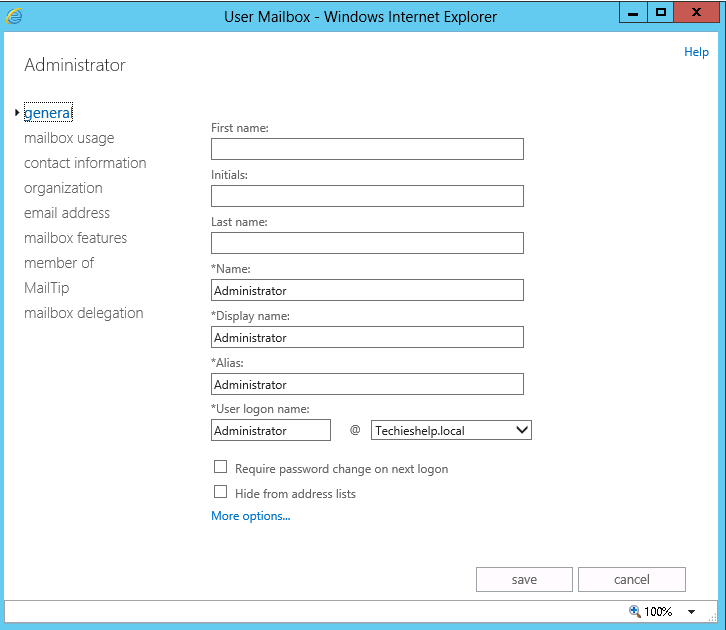
We can still do it in powershell however. Below you will see commands on how to forward email in exchange to external contacts 2013 in powershell.
Exchange 2013 Powershell – Forward To External Contact
First the command, then the description.The command above will forward all emails from the mailbox “Allen” to Allen@hotmail.com and also leave a copy of the email in the Allen mailbox in Exchange 2013
The command above will STOP the forward of all emails from the mailbox “Allen” to Allen@hotmail.com due to the $false command.
Remember, after the -deliver use the “TAB” button to see all forwarding options.

No comments:
Post a Comment